How to cut a highlight reel coaches actually watch
Recruiters give a reel about thirty seconds before deciding whether to keep going. What to put first, how to label yourself so you're findable in the frame, how long is too long, and what to do with your portfolio's second video slot.
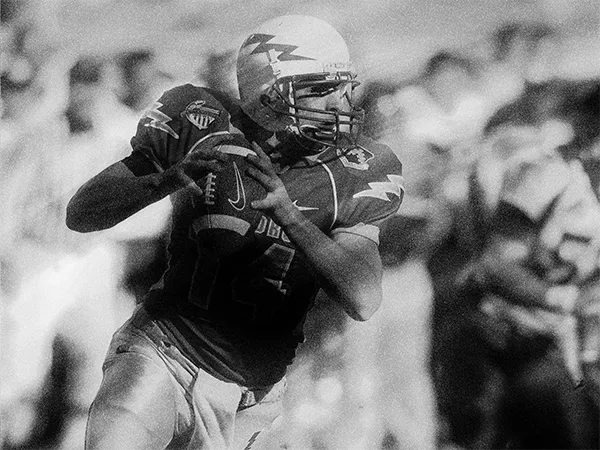
A highlight reel has one viewer that matters, and that viewer is busy. A recruiter opens your video the way you open a trailer: ready to stop the moment it stops earning attention. Everything about how you cut the reel follows from that one fact.
This article is about making the reel. Once it exists, the settings and link formats that get it playing inside your portfolio are covered step by step in How to add your highlights from YouTube.
Best play first
Do not build to a finale; nobody stays for it. Your opening clip should be the one you would keep if you could only keep one, and the first thirty seconds should be strong enough to survive on their own, because for a good share of viewers they are the whole screening.
After that, order by impressiveness, not chronology. A reel is an argument, not a diary.
Make yourself findable in the frame
The recruiter does not know your jersey, your build or your stride. Every clip has to answer “which one is you” instantly:
- Mark yourself at the start of each clip — a circle or spot shadow on the first frame is the standard, and every editing app can do it.
- Put your name, number, position and class year on an opening title card, and keep the number visible in clip labels if it changes between teams.
- A short caption per clip helps when the situation is not obvious: what to watch for, or the game state that makes the play meaningful.
- If the level of competition is a selling point, say it on the title card or in the caption. “League1”, “AAA”, “provincial final” changes how a play reads.
Keep it short
Three to five minutes is plenty; past that you are diluting your best material with your fifteenth-best. If cutting hurts, remember the channel link in your portfolio’s highlights section exists exactly for the rest: full games, extra reels, season archives. The reel is the argument; the channel is the appendix.
A few cutting rules that quietly matter:
- Show the play’s context: start clips a beat before the action, not at the moment of contact.
- Prefer the clearest camera angle over the most spectacular play; a great action nobody can parse is a wasted slot.
- Skip effects, slow-motion montages and loud music beds. If you want music, use YouTube’s own Audio Library — copyrighted tracks can get your video blocked in exactly the country your recruiter lives in.
Any editing app from your phone’s app store can do all of the above. If your clips live on Hudl or a similar platform, cut there and export, then upload the finished reel to YouTube — the portfolio plays YouTube links.
Use the second slot for something no reel shows
Your portfolio’s highlights section holds two videos. Making both of them game reels wastes the slot, because the second reel says nothing the first one didn’t. The strongest second videos show what game film cannot:
- A personal introduction — thirty to sixty seconds of you, on camera, saying who you are and what you are looking for. Recruiters reply to people, and this is the fastest way to become one.
- A training session — technique, habits and work rate read differently raw than they do in games.
- A response to adversity — the shift after a mistake, the play after a lost ball. Coaches watch for what you do next; showing that you know that is itself the signal.
When the reel is done, upload it, set the right visibility, and paste the link into your portfolio — the walkthrough covers every setting that decides whether a coach can actually press play.